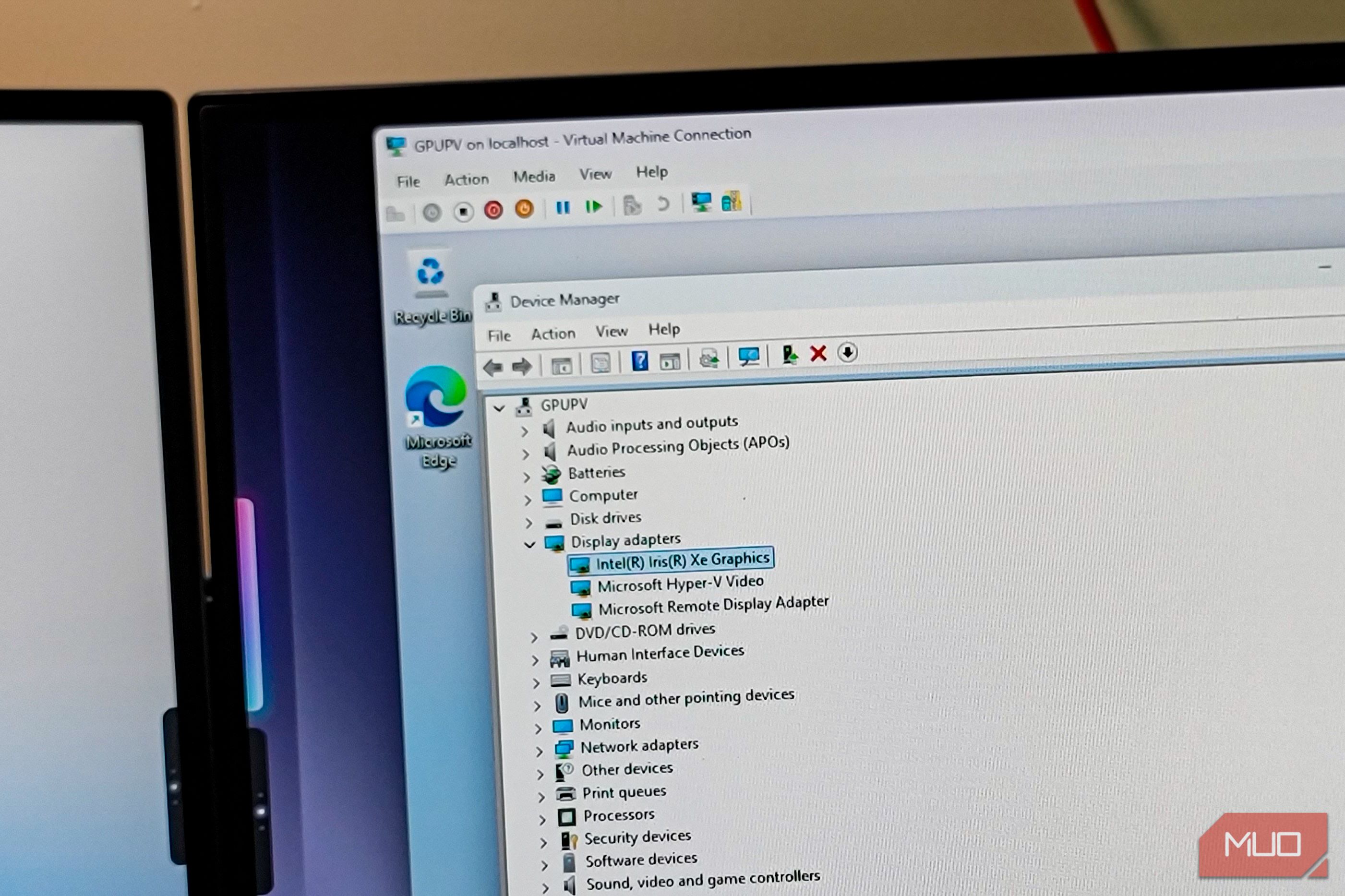
Everyday use on a virtual machine feels sluggish, including animations, window dragging, and scrolling. A reason for this is the emulated display adapter, which, instead of using your integrated or dedicated GPU, uses the CPU to render the graphics. To fix this, the VM needs access to a real GPU, which by design is controlled by one operating system and one driver. As a result, if the whole GPU is handed to a VM, the host loses access, and everything falls apart.
Read the full article at the source.
Comments (0)
No comments yet. Be the first to comment!