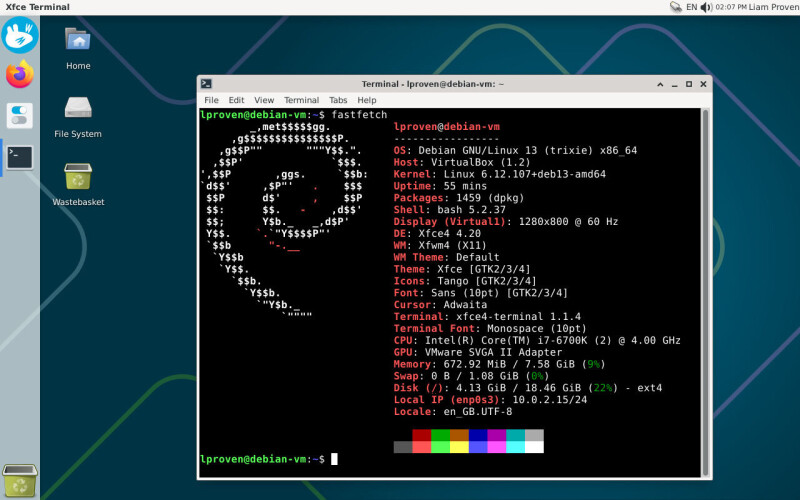
PART 2 Xfce's Panel Profiles app can rearrange your desktop, but getting every layout working properly still takes some manual tinkering. In part 1 of this two-part feature, we covered how to install Xfce's Panel Profiles tool and all the extra plugins it needs for its dozen alternative layouts: macOS, Unity, MATE or GNOME 2, several different Windows-like layouts, and half a dozen different generations of both Xfce and Xubuntu. However, as our screenshots showed, the "Cupertino" (Mac-style) and "Unity" layouts are not ideal. For instance, the Unity layout's global menu is immediately followed by the status icons, when they ought to be over on the right. Some of these issues are easy to resolve with the built-in tools, while some need a...
Read the full article at the source.





Comments (0)
No comments yet. Be the first to comment!