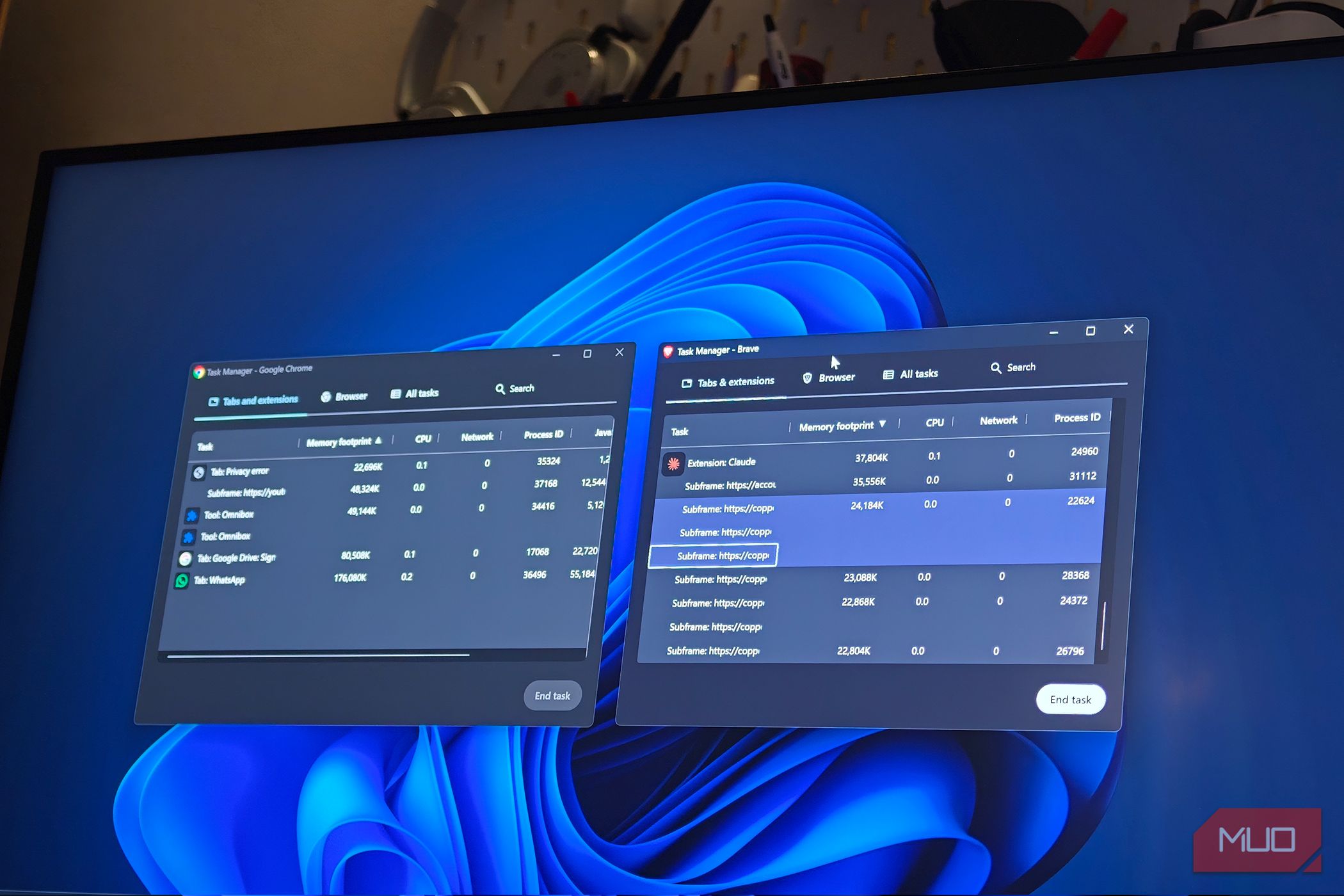
I was deep into research for an article a few weeks ago, with somewhere around twenty tabs open across two windows, when switching between them started lagging by half a second. My usual response is to open Windows Task Manager and glare at the Chrome entry sitting at the top of the list. The problem is that Windows shows Chrome as a pile of nearly identical processes with names that tell you nothing. I could see that Chrome was using a lot of memory. I could not see which part of Chrome was responsible, so I closed a few tabs at random and hoped. That guessing game stopped once I realized Chrome ships with its own task manager, and it labels everything properly.
Läs hela artikeln hos källan.


Kommentarer (0)
Inga kommentarer ännu. Bli först med att kommentera!