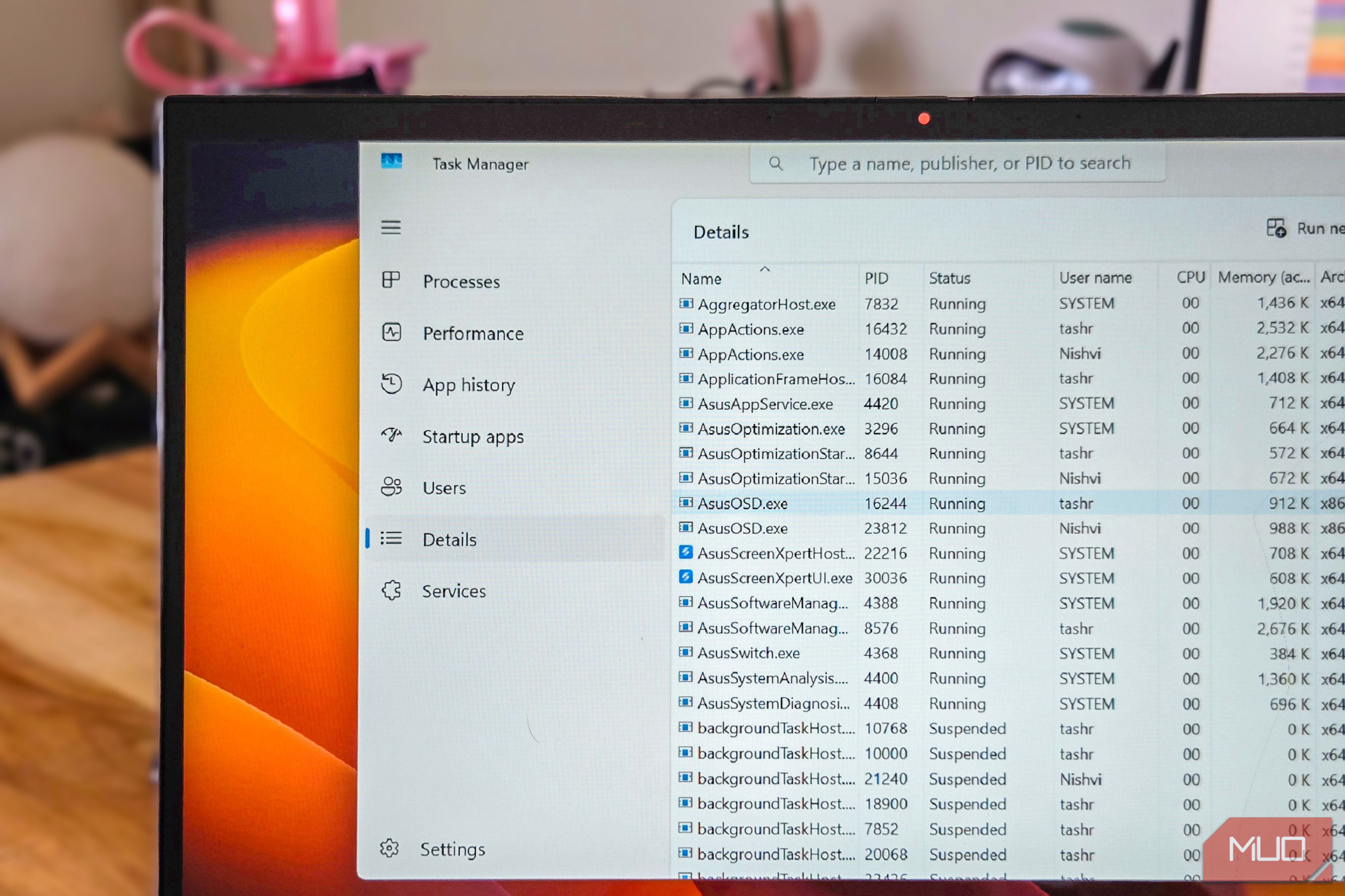
Task Manager is the first tool I open when I need to know where Windows is spending my CPU, memory, and GPU resources. If you are noticing slow system performance, the Performance tab in Task Manager is a quick way to understand if the issue is due to a service or an app running in the background. For instance, when my laptop charger went kaput,...
Läs hela artikeln hos källan.


Kommentarer (0)
Inga kommentarer ännu. Bli först med att kommentera!