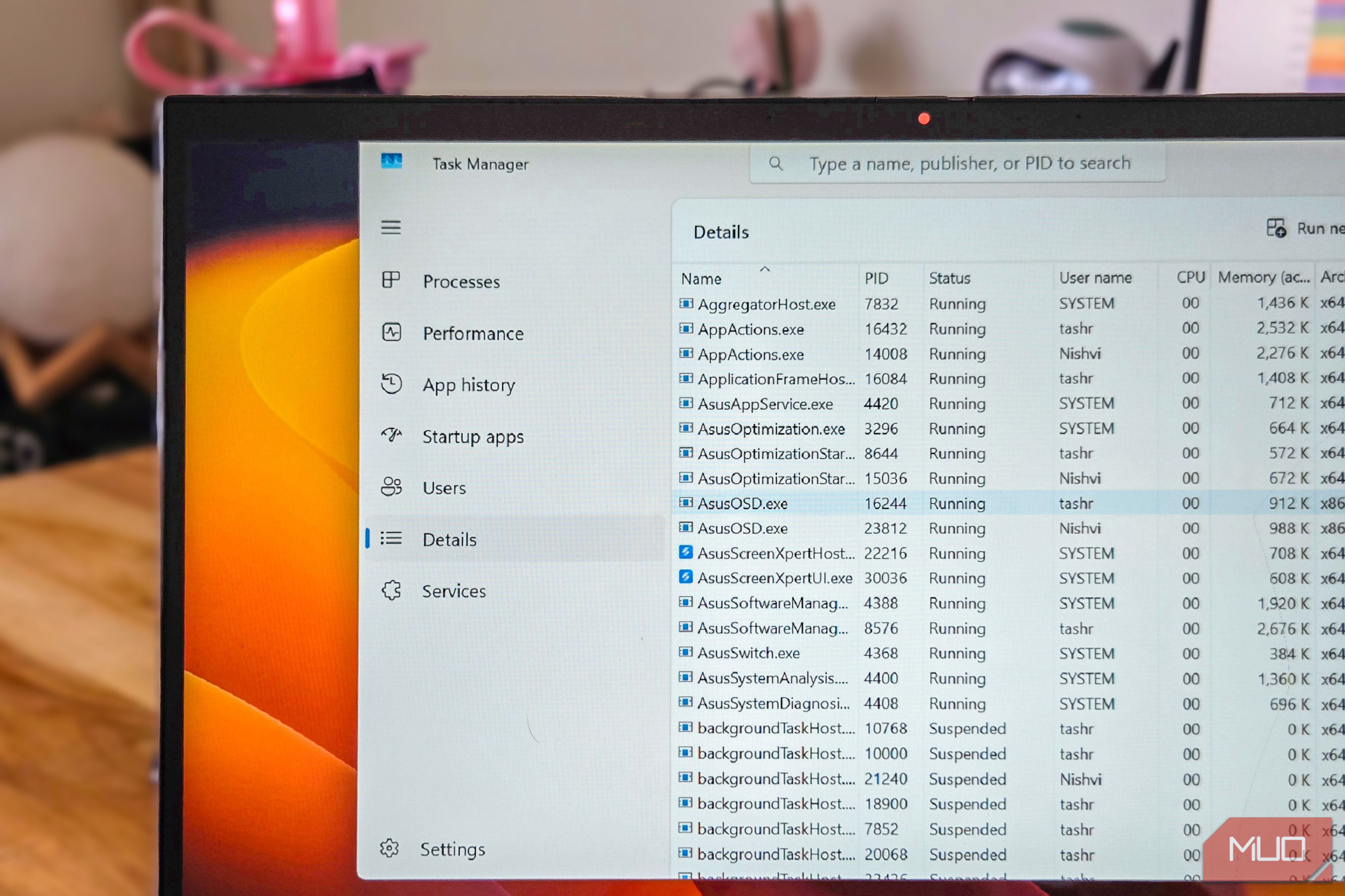
Task Manager is the first tool I open when I need to know where Windows is spending my CPU, memory, and GPU resources. If you are noticing slow system performance, the Performance tab in Task Manager is a quick way to understand if the issue is due to a service or an app running in the background. For instance, when my laptop charger went kaput,...
Les hele artikkelen hos kilden.


Kommentarer (0)
Ingen kommentarer ennå. Bli den første til å kommentere!